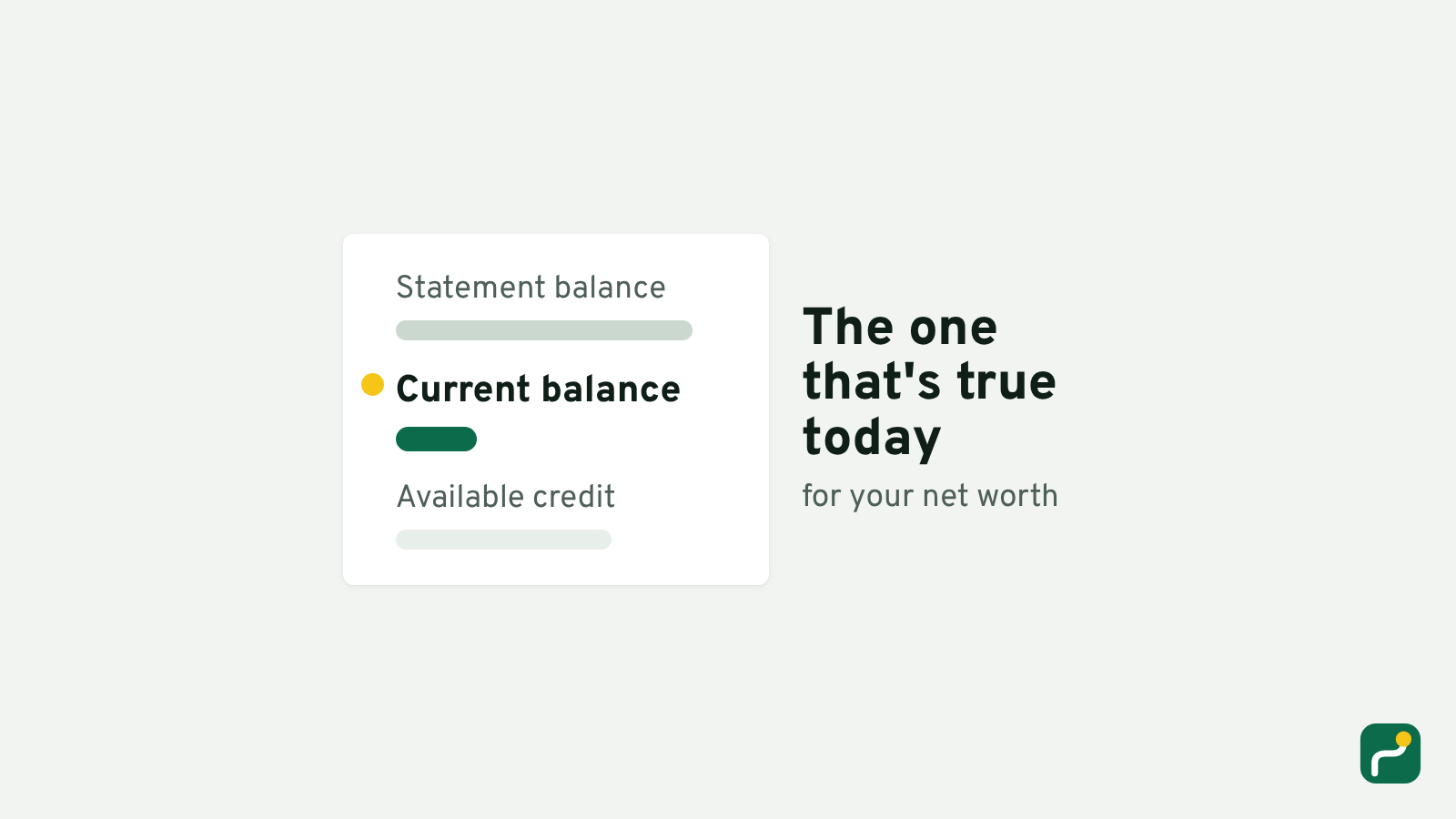
Use the balance that's true today, and take every account's on the same day.
That rule gets hard to follow the moment you open a card app, because it shows you a statement balance, a current balance and available credit, all at once. Here's which is which, and the few places where picking the wrong one quietly throws off your total.
Your card's statement balance stopped moving on closing day
The statement balance is a photo taken on the last day of your billing cycle. In the US, the rules for card statements spell it out: the statement shows "the closing date of the billing cycle and the account balance outstanding on that date." (Regulation Z, 12 CFR 1026.7(b)(10), current version) That's an American rule, but wherever your card is from, the statement itself prints the date it closed on.
Everything after that day lives in the current balance: the groceries you bought on Saturday, the refund that came through, the payment you made. When you're adding up what you owe, the current balance is the one that's true today.
The statement balance still matters for the bill, because it answers a different question: what you owed when the cycle closed. Available credit isn't a balance at all. It's how much more the bank would let you borrow, so it stays out of your net worth.
A payment you already made can count twice
This is where mixing the two goes wrong. Say your statement balance is $1,840, and yesterday you paid all of it from your checking account. Since the statement closed you've put $310 of new purchases on the card, so the current balance is $310.
Now you sit down to add it all up. Your checking account already shows the money gone, because it left yesterday. If you type the card's statement balance next to it, you've counted the same payment twice: once leaving the bank, and once still owed on the card. You'd be writing down $1,840 owed on a card that really holds $310, and your total comes out $1,530 worse than it is.
The same mistake can also flatter you. Put a car repair on the card the week after the statement closes, leave it unpaid, and the statement balance won't show it yet. Your total would look better than it is.
So take every number on the same day. Then a payment shows up in both places at once, or in neither.
A loan's balance can leave out a little interest
Loans have their own pair of numbers. The balance your lender shows for your car loan is usually what's left after your last payment. The amount that would actually close the loan is often a little more.
The US Consumer Financial Protection Bureau puts it plainly for mortgages: your current balance "might not reflect how much you actually owe to completely satisfy the outstanding loan balance," because the payoff amount "includes the payment of any interest due through the day you intend to pay off your loan," and it may also include fees you haven't paid yet. (CFPB, "What is a payoff amount and is it the same as my current balance?", last reviewed August 2026)
At Renav, we don't think you need a payoff figure every month. What you're watching is the direction your net worth moves, and the balance your lender shows is good enough for that as long as you use the same kind of number each time. The payoff figure is for the day you actually close the loan, and your lender is the one to ask for it.
Your bank's available balance has already taken out what's pending
Bank apps often show two numbers as well. The available balance subtracts debit card purchases that haven't finished going through, so it's usually closer to what's really yours today. That's the one to type.
The exception is a hold. A hotel or a rental car can block part of your balance for a few days and then let it go, and that money was never spent. If a hold is the whole difference between the two numbers, type the current balance instead.
Writing it down once a month
Renav asks you the same question every time. When you tap Update balance on a card, the field says "What you owe today", and whatever you type is recorded as today. Each account then says how many days ago you last recorded it, so a card you haven't touched in five weeks doesn't sit quietly next to a bank balance from this morning.
If you'd rather add it all up once before you keep anything, do it in one sitting, with every app open on the same day. And if the total comes back owed, here's what an owed net worth can tell you.
Three numbers on the card screen, then. Only one of them is today's.